


Title
What are the methods for formatting VChart chart labels?
Description
In the VChart bar chart, the default display is the label of the corresponding value of the bar. I want to display something like 'x-axis name: y value' . What are the ways to customize the label display?
Solution
There are two recommended configuration methods:
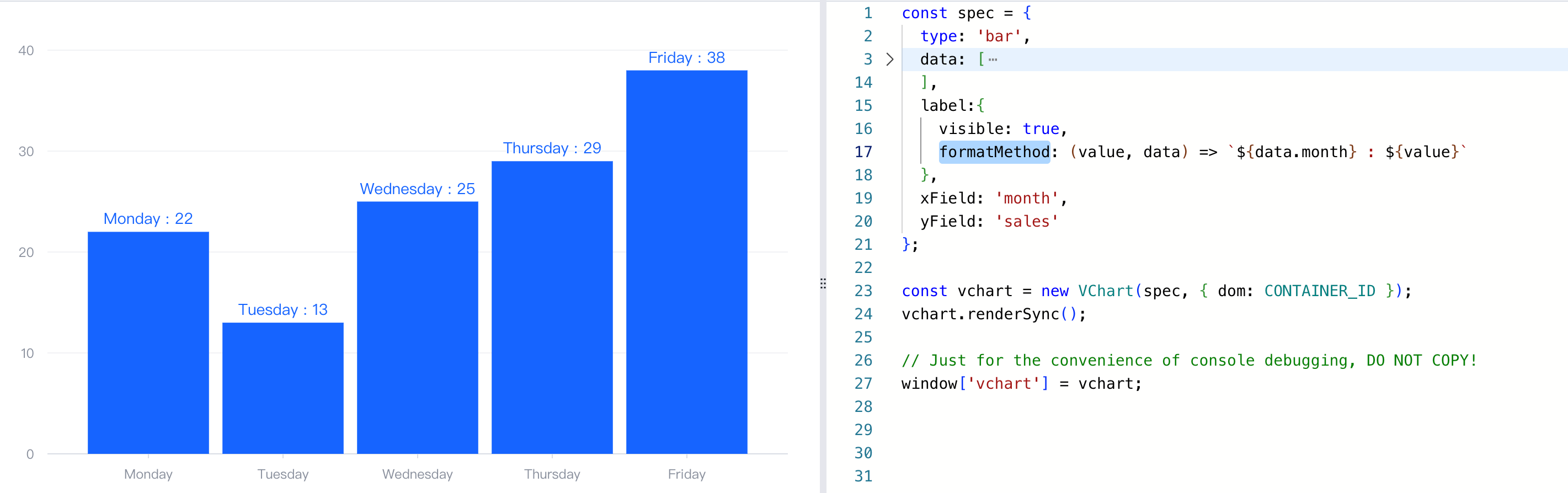
- Configure the formatting function through
label.formatMethod. - The function parameter is
(text: string | string [], data?: any),textis the default displayed text, anddatais the related data. - The return value of the function can be a string or a string array. Among them, the string array will be displayed as a newline by default.
- If you want to configure it as rich text, the return value is the rich text configuration object.
label: {
    formatMethod:(value, data) => `${data.name}: ${value}`
}</br>
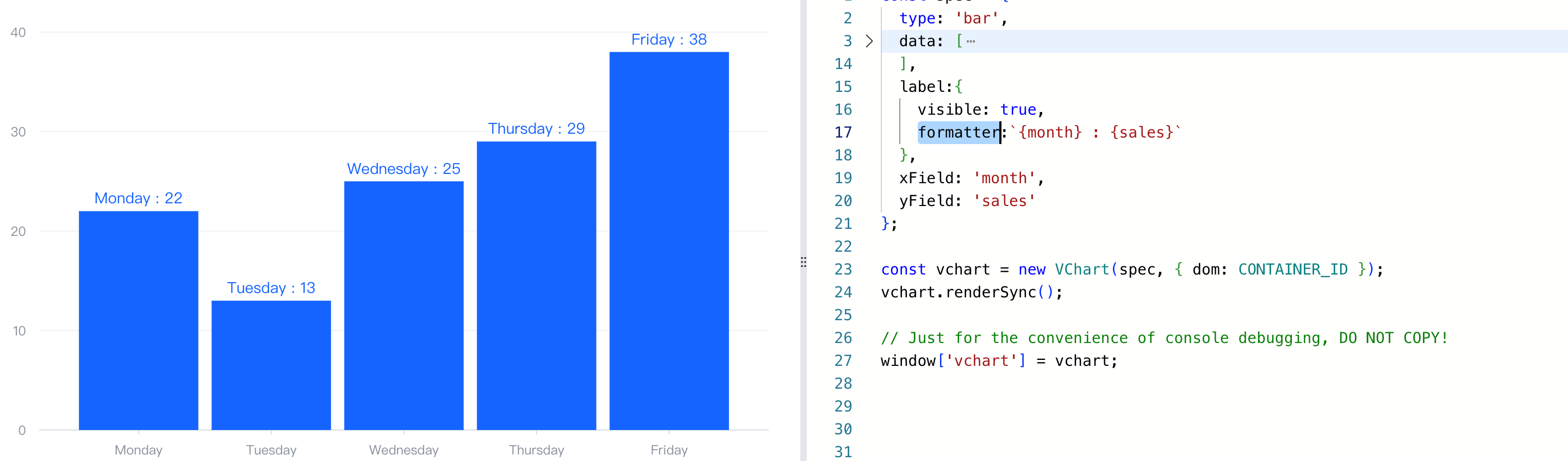
- Configure the template string through
label.formatter.
label: {
   formatter: `{name} : {value}`
}</br>
Related Documents
formatMethod demo: https://visactor.io/vchart/demo/label/richtext-label
Formatter demo:https://visactor.io/vchart/demo/label/label-formatter
Related configuration items: https://visactor.io/vchart/option/barChart#label.formatMethod
github:https://github.com/VisActor/VChart